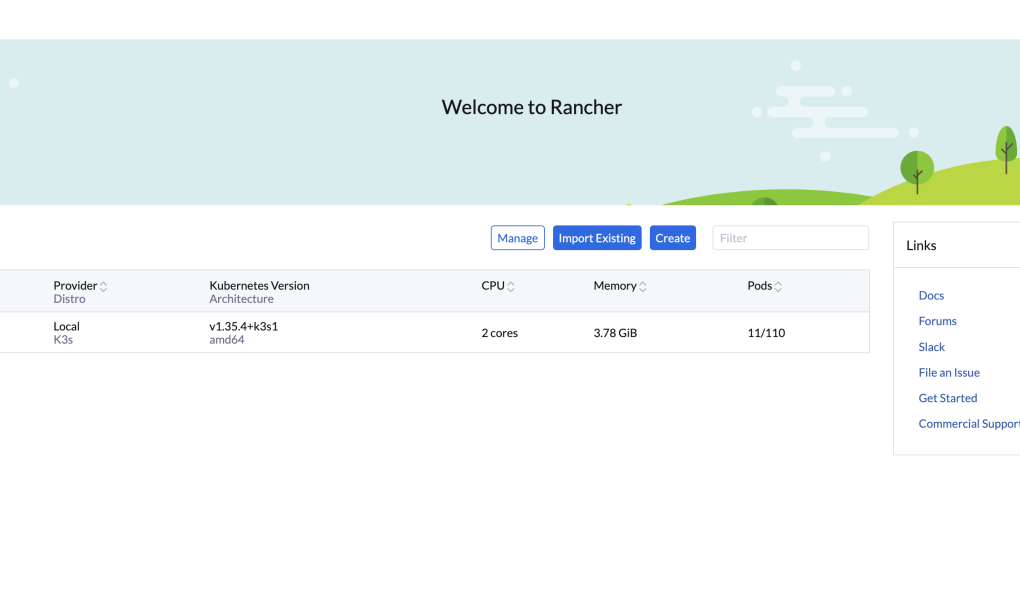
Oke 👍 sekarang kita import cluster K3s kamu ke Rancher.
Asumsi:
- Rancher sudah bisa dibuka di browser
- K3s cluster sudah healthy
kubectl get nodessudah normal
🧭 1. Login Rancher
Buka:
https://<IP-RANCHER>Contoh:
https://192.168.10.20📦 2. Import Existing Cluster
Di menu Rancher:
☰ → Cluster ManagementKlik:
Import ExistingPilih:
Generic🏷️ 3. Isi Nama Cluster
Contoh:
k3s-labKlik:
Create📋 4. Copy Command dari Rancher
Nanti Rancher kasih command seperti ini:
curl --insecure -sfL https://<RANCHER-IP>/v3/import/xxxxx.yaml | kubectl apply -f -🚀 5. Jalankan di MASTER K3s (kube1)-> Cukup master nya saja ( nanti agent otomatis ikut)
Di VM kube1:
kubectl apply -f https://<RANCHER-IP>/v3/import/xxxxx.yamlATAU langsung paste command dari Rancher.
🔍 6. Cek Agent Rancher
Jalankan:
kubectl get pods -n cattle-systemHarus muncul:
cattle-cluster-agent
cattle-node-agent
Status:
Running⏳ 7. Tunggu Status di Rancher
Awalnya:
Pending
Provisioning
Waiting for API
Normal.
Dalam 1–5 menit harus berubah:
Active ✅
⚠️ Kalau STUCK
🔥 Cek koneksi dari K3s ke Rancher
Di kube1:
curl -k https://<RANCHER-IP>Kalau gagal:
👉 firewall / network issue
🔥 Cek pod Rancher agent
kubectl logs -n cattle-system deployment/cattle-cluster-agent🔥 Cek semua pod cattle
kubectl get pods -n cattle-system -o wide🎯 HASIL AKHIR
Nanti di Rancher akan muncul:
Cluster: k3s-lab
Status: Active
Nodes: kube1, kube2
Dan kamu bisa:
- deploy workload dari UI
- lihat metrics
- manage namespace
- scaling pod